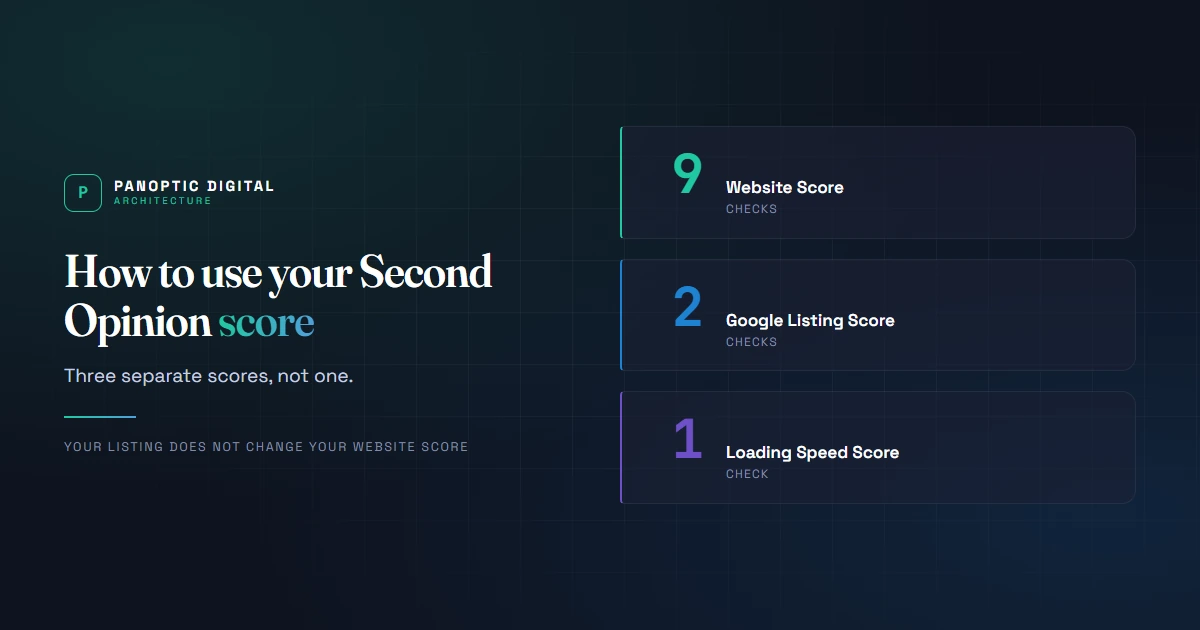
A Second Opinion report gives you three separate scores rather than one: a Website Score built from nine checks on your own site, a Google Listing Score built from two checks on your public Google profile, and a Loading Speed Score built from one. Your Google listing doesn't change your Website Score.
You ran the audit, you got a number, and now you could probably use an explanation.
Your score measures how findable and trustworthy your business looks from the outside. It doesn't measure whether you're good at your job.
Three scores, not one
This is the thing almost everyone gets wrong on the first read.
Your report shows a Website Score, a Google Listing Score, and a Loading Speed Score. They're separate measures of separate things.
- Website Score. Nine checks on your own site:
- Homepage opens. Your homepage returns a real page, not an error.
- Crawlers allowed. Nothing in robots.txt blocks your important pages.
- Pages indexable. No key page is marked "do not index".
- Links crawlable. Your navigation uses links a crawler can follow.
- No broken links. No internal link leads to a dead page.
- Canonicals clean. No page points search engines at the wrong URL.
- Titles clear. Every key page has a distinct, meaningful title.
- Headings clear. Every key page has one obvious main heading.
- Location pages real. Location pages say something specific, not boilerplate.
- Google Listing Score. Two checks: whether your public Google profile information is accurate, and whether your website and your profile tell the same story.
- Loading Speed Score. One check, on how fast your site loads on a phone.
Your Google listing doesn't change your Website Score, and your website doesn't change your Google Listing Score.
If all three have enough verified evidence to combine, you also get a combined score. That one weights the listing at 35%, the website at 50%, and loading speed at 15%.
Second Opinion runs 28 checks in total. The rest get reported because they're worth knowing about, but they sit outside the scored set, so they never count against you.
That's the kind of work you could safely delegate.
Where to start
The listing is two checks you can fix yourself, in an afternoon, for free. The website is nine, and several need whoever maintains the site.
So if everything came back low, start with the listing.. not because it moves the Website Score, but because it's the fastest real win in the report.
Partial credit is the point
Nothing here is simply pass or fail. A profile that's mostly filled in scores better than an empty one and worse than a complete one, which is closer to how the real thing behaves.
And when we genuinely can't verify something from outside, the report says so instead of guessing. An unavailable check isn't a failed one.. we'd rather show you a gap in the evidence than invent a finding.
What it doesn't measure
- Whether your work is any good.
- Whether your website looks nice.
- Whether your customers like you.
- How much revenue the site brings in. We can't see your analytics from out here.
If it came back low
It's common, and it's not an emergency.
Most low results come from three or four missing basics rather than anything broken.. and nearly all of them start in the same place.
How to read your report
Fifteen minutes with your report open in another tab. The goal is to pick one task, not to build another to-do list.
-
Choose which score you'd like to improve first
You've seen the three numbers. Now pick the one you want to move.
Reading them as a single result is the most common mistake on a first pass, and it quietly signs you up to fix everything at once.. which is a reliable way to park the whole project in the "one day" pile.
Three numbers, three different answers, three different price tags. Pick the one you'll actually finish.
You’ve picked a score that you would like to improve today.
-
Read the labels on each finding
Findings aren't ranked by a pass-or-fail word. Each one carries two labels that tell you more than a status ever could.
- What it affects. Search results, computer-made answers, turning visits into calls, ease of use, or background information.
- What it costs. Free, costs may vary, or cost not checked. This is the one that decides your afternoon.
Anything already fine sits under What is already working, marked "no action needed". Leave those alone.
If a check couldn't run, it doesn't get a cost. It gets a label saying who can act: you, us, or try again later. That's a gap in our evidence, not a problem with your business, and it's usually a firewall, a login wall, or a security feature.
We'd rather show you the gap than guess. If you see several, email contact@panoptic360.com and we'll run a fresh test.
You can point at one finding and say what it affects and what it will cost you.
-
Open the evidence
Every finding has an evidence section. Open one.
It shows what we actually observed: the page, the text we found, the number we measured.
Do this even when the finding seems obvious. The evidence is what turns "your titles need work" into "these three pages all have the same title, and here they are."
It also protects your time. If the evidence describes a page you deliberately keep out of search, the finding is technically correct and practically irrelevant.. and what you do about it from there is your decision.
You know how to double-check our work.. to ensure that the recommendation is credible before spending your time fixing it.
-
Pick one fix, and get it done
Don't work the list from the top. Pick by what the fix costs you.
- Listing. The quickest win, and none of it touches the website. Write your business details exactly as you want them listed, then review your profile information and make sure your details match.
- Website. Start with anything about pages not opening or search engines not reaching them.. wording fixes on a page nobody can load are wasted work. This is the half that usually needs whoever maintains the site.
- Loading speed. Usually a handful of oversized images. Real work, but bounded, and a developer can scope it from the evidence alone.
Pick one. Finish it. The failure mode here is opening six tabs and closing all of them on Friday.
You've completed a fix, and you know which score you're trying to improve.
-
Give it a day, then re-run the test
When the fix is done, run a fresh Second Opinion test.
Website changes show up immediately, because we read your site live when you ask us to.
Google profile changes don't. Google takes a few days to publish an edit, and our check reads what Google has published.. so a profile fix you made this morning won't show up this afternoon. Nothing is broken.
If a number didn't move and you expected it to, open the evidence on that check again. Most of the time it says plainly what's still wrong.
You've run a fresh check, and you know which of your fixes should show today and which one(s) you'll need to follow up on.