Every page on your website has two lines that do most of the explaining: the page title, which shows in the browser tab and usually as the link in search results, and the main heading at the top of the page. Both should say plainly what the page offers and, for a local business, where. Second Opinion checks both on your key pages, and they're two of the four checks behind the on-page half of your Website Score.
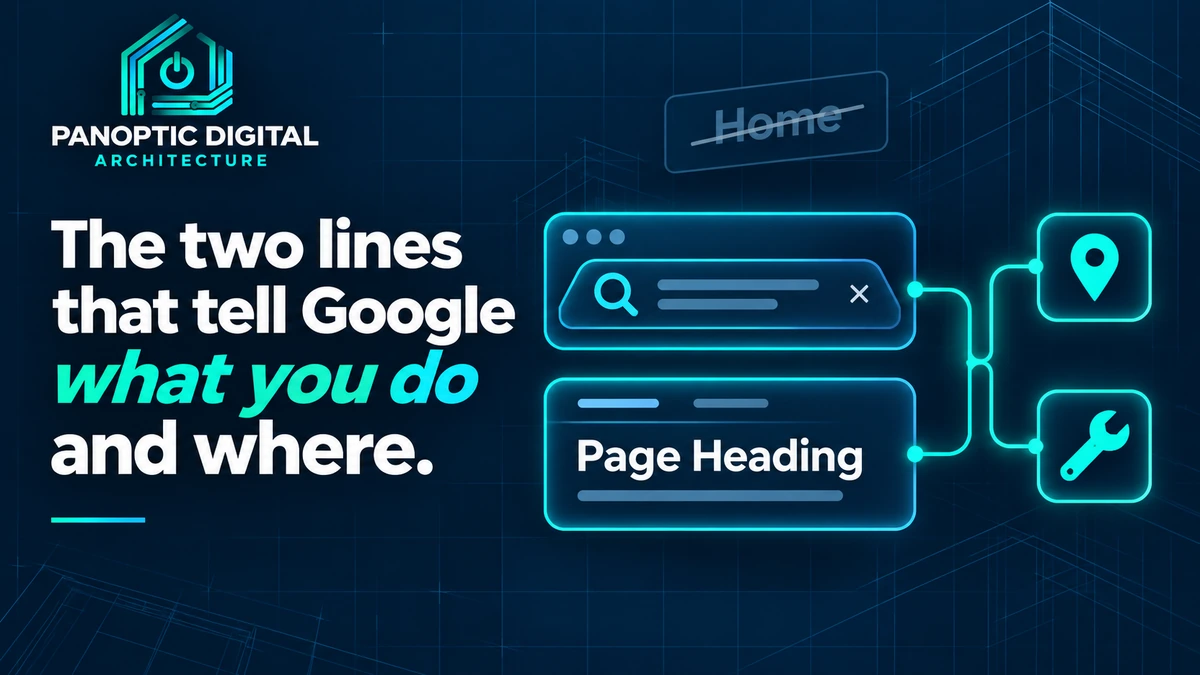
Open your homepage and look at two things: the words in the browser tab, and the biggest line of text at the top of the page.
Those are your page title and your main heading. Together, they're the first thing a search engine reads to figure out what the page is about.. and on a lot of small business sites, they say something like "Home" and "Built on Trust."
Neither one tells anybody what you do, or where you do it.
Why these two lines carry so much
The title is what Google usually shows as the link in a search result. It's also what shows up in the browser tab and in a bookmark. If it says "Home," you've spent the most visible line you have on a word that describes every website on earth.
The main heading is the first thing a visitor reads once the page loads. They decide in a few seconds whether they're in the right place. A slogan makes them work for that answer. A plain description just gives it to them.
Google says it reads both when it decides what a page is about, and it asks for titles that are clear and distinct. That's not a trick. It's just the job those two lines were invented to do.
What we check
Second Opinion reads the title and the main heading on your key pages. It flags a title that's missing, generic, copied across pages, or unclear, and a page with no clear main heading.
It doesn't flag length for its own sake, and it doesn't demand a city name in every title. More than one main heading on a page isn't automatically a problem either. We'd rather flag what actually confuses people than enforce a template.
Titles and headings are two of the four checks behind the on-page half of your Website Score.
Before and after
- Homepage title. Before: "Home | Ridgeline." After: "Excavation and Grading in Hall County, GA | Ridgeline Excavating."
- Homepage heading. Before: "Built on Trust." After: "Excavation, grading, and land clearing across North Georgia."
- Service page title. Before: "Services." After: "Pond Construction and Repair | Ridgeline Excavating."
Keep the slogan if you love it. Just move it under the heading, where it can be the second thing people read instead of the only thing.
The ten-minute fix
About ten minutes a page. Start with the homepage, then the two or three pages that bring in the most work.
-
Find out what your title and heading say today
Open the page and read the browser tab. That's the title (or the start of it, if it's long).
Then look at the largest line of text near the top of the page. That's almost always the main heading. Write both down, word for word.
If you're curious, search Google for your business name and look at the link. That's usually your title, though Google sometimes rewrites a title it decides isn't helpful.. which is its own hint.
You have the current title and heading for your homepage written down, word for word.
-
Rewrite the title: what, where, who
A good local title answers three questions in one line:
- What. The work people pay you for, in the words they'd search. "Drain cleaning," not "Plumbing solutions."
- Where. The town or county you're based in, if you serve a local area.
- Who. Your business name, usually at the end.
Every page gets its own title. Two pages with the same title are telling Google they're the same page.
Read the new title out loud to someone who's never heard of you, and they can tell you what you do and roughly where.
-
Rewrite the heading in plain words
The heading can be a little warmer than the title, but it should still say what the page offers. Write it for a person who just landed there from a search and wants to know they're in the right place.
One clear heading near the top is the goal. If your site builder has a field called H1, Heading 1, or Page heading, that's usually the one.
The first big line on the page tells a stranger what you do, without them having to scroll.
-
Save it, then check what actually changed
In most website builders, the title lives in a page settings or SEO panel, not on the page itself. The heading is usually the first block of text on the page. Change both, save, and publish.
Then reload the page and read the browser tab again. Changes to your page show up right away. Changes to Google's search result can take days or weeks, because Google has to come back and read the page first.
When you're ready, run a fresh Second Opinion audit. We read your site live, so the title and heading checks reflect what's there now.
The browser tab shows your new title and the top of the page shows your new heading. The search result will catch up on Google's schedule, not yours.