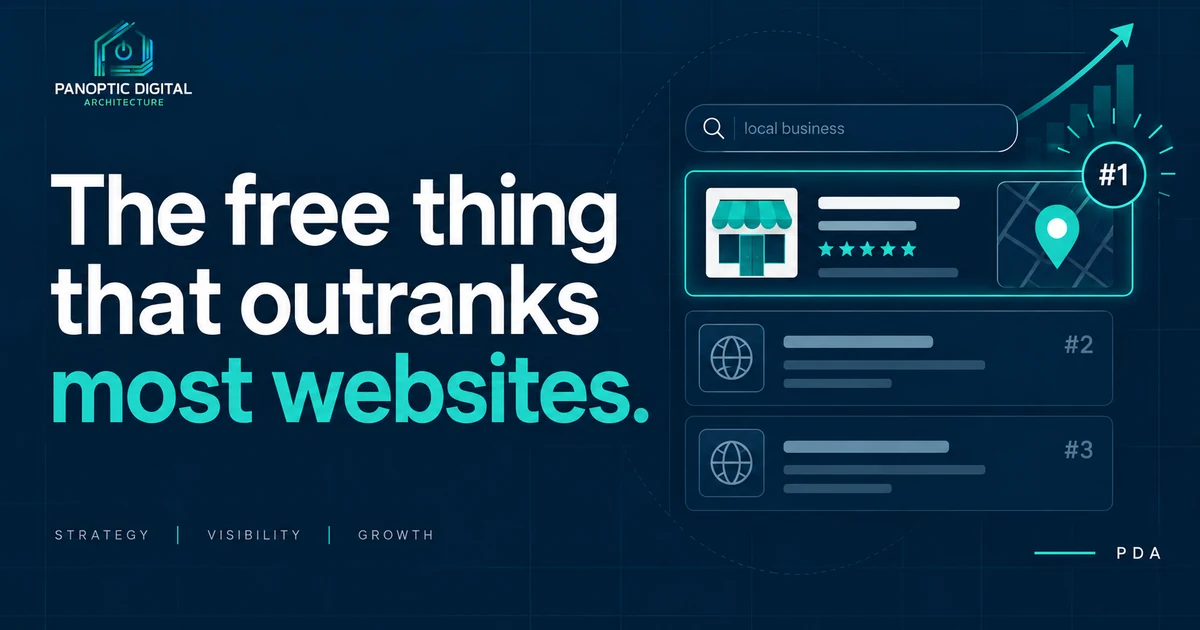
For most local service businesses, a complete Google Business Profile produces more phone calls than the website does. The three things that matter most are an accurate primary category, current contact details and hours, and recent photos of real work. All of it is free, it takes about an hour, and the two profile checks behind it make up your whole Google Listing Score, which is 35% of your Combined score.
If you only do one thing after reading your audit, do this one.
For most local service businesses, the Google Business Profile brings in more phone calls than the website does. It's free, it takes about an hour, and it carries 35% of your Combined score.
What we check, and what it means
Second Opinion checks your public profile information: phone number, website link, hours, category, and whether the business still reads as open. At a weight of 100 it is one of the heaviest checks in the audit.
Most profiles we look at are about a third filled in. Not wrong.. just abandoned somewhere around 2019.
About photos
We report your photo count, but it doesn't affect your score. That's deliberate. There is no number of photos that makes a business rank, and anyone who tells you otherwise has something to sell you.
What is true: profiles with recent, real photos get more clicks from people who are already looking at them. That's a conversion win, not a ranking one. Worth doing, for the right reason.
Reviews, honestly
We don't currently measure reviews in the audit, so nothing in your report says anything about them. But while you're in there: a steady trickle of recent reviews does more for you than a pile of old ones, and replying to them costs nothing.
That's advice, not a finding. We'll always tell you which is which.
What this does not fix
A great profile sitting on top of a site nobody can open is still a business nobody can reach. The profile is the fastest win. It is not the only one.
The hour, in order
About an hour, in the order that pays. Have the phone number you settled on in front of you.
-
Set the primary category to the work you get paid for
The primary category is the highest-leverage field on the whole profile, and it is the one most often left vague. It decides which searches you are eligible to appear in at all.
Name the job, not the industry. "Contractor" and "Excavating contractor" are not the same thing to Google. Neither are "Plumber" and "Drainage service."
You can add secondary categories. Add the ones you would genuinely take the job for and stop. Nine categories tells Google you do nothing in particular, which is the opposite of the goal.
Your primary category names a job a customer could pay you to do tomorrow, not the industry you belong to.
-
Make the phone and website match your site
Two of the five things our profile check reads are the phone number and the website link. They also have to agree with your own site, which is a separate check worth 90.
Use the number you want ringing when a stranger calls. If you run a call-tracking number somewhere, it does not go here.
For the website field, use your homepage unless you have a specific reason not to. Not a Facebook page, not a booking widget, not a landing page from a campaign that ended.
The number on your profile is the one that rings your phone, and the website link opens your homepage on the first try.
-
Fill in hours, including the holiday ones
A profile that says you are closed while you are open loses the call outright, and the customer never tells you it happened.
Set the regular hours honestly. If you answer the phone at 7 and the shop opens at 8, the hours describe the shop.
Then set special hours for the holidays you actually close. Google prompts for these a few weeks ahead and almost everybody dismisses the prompt.
Your profile says open at a time you know you are open, and closed at a time you know you are closed.
-
Confirm the listing still reads as open
There is a status on the profile saying whether the business is open, temporarily closed, or permanently closed. Our check reads it, and it is the fifth of the five fields.
This sounds too obvious to check until you see how it goes wrong: a "temporarily closed" set during a slow season or a move, and never set back. Google will also close a listing on its own initiative if it decides the business is gone.
Search your own business name in a private browser window rather than trusting the dashboard. You want to see what a stranger sees.
Searching your own business name in a private window shows no closure banner of any kind.
-
Then the two that will not move your score
These do not affect your Second Opinion score. We will always tell you which is which. They are still worth the last twenty minutes.
- Service area. Name the places you would actually drive to on a Tuesday. Naming the whole state is a way of naming nowhere.
- Photos. Recent ones, of real work. We report your photo count without scoring it, because there is no number of photos that makes a business rank and anyone who says otherwise has something to sell you. What real photos do is win the click from someone already looking at you.
Nothing in this step changed your score, and you knew that before you spent the twenty minutes.