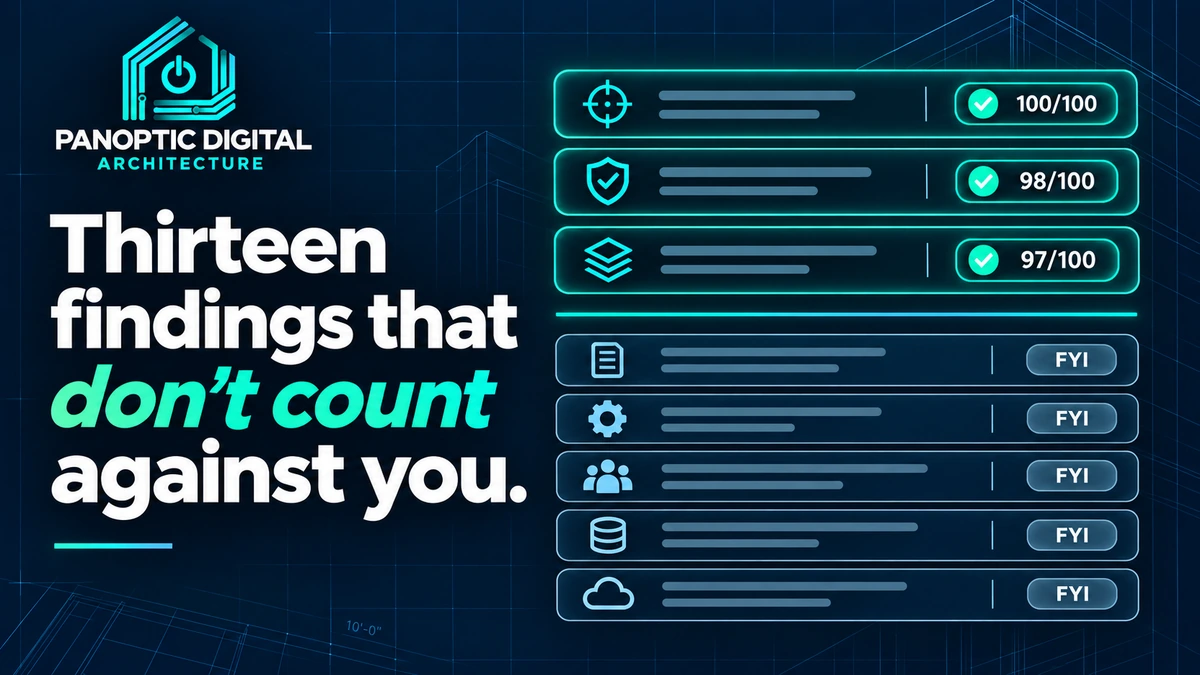
Of the 28 checks in Second Opinion, 15 affect your scores and 13 don't. The 13 cover things worth knowing that aren't proven to move rankings: photo count, tap-to-call phone links, two kinds of structured data, image descriptions, page descriptions, heading order, insecure files, the mobile viewport tag, and four checks that only apply to pond management businesses. Each one is labeled on the finding, and none of them can lower a score.
Here's something most audit tools won't tell you: a lot of what they flag doesn't matter much.
Second Opinion runs 28 checks. Only 15 of them affect your scores. The other 13 are in your report because they're worth knowing about.. but there's no solid evidence that they move your ranking, so we don't pretend they do.
Why we show them at all
Because some of them are still worth doing for other reasons. A phone number you can tap gets you more calls. A description on every image helps people who use screen readers. Neither is a ranking factor, and both are good business.
The point is that you get to decide. A finding that doesn't count says so, right on the finding: "Does not change your Website Score."
The thirteen
- Photo count. How many photos Google returned for your public profile. Context only.
- Tap-to-call. Whether the phone number on your site is a link a phone can dial.
- Business details in your page code. Structured data that describes your business to machines. We're still gathering evidence on how much it matters, so it's tracked but not scored.
- Service details in your page code. The same idea, for individual service pages.
- Image descriptions. Text alternatives for images that carry meaning.
- Page descriptions. The short summary Google sometimes shows under your link.
- Heading order. Whether your headings follow a sensible order down the page.
- Insecure files. Images or scripts still loading over plain http on an https site.
- Mobile viewport. The one line of code that tells a phone how to size your page.
- Four pond checks. Seasonal advice, how-to content, aerator and fountain pages, and before-and-after proof. These only apply to pond management businesses.
That's nine anyone can see, plus four for pond companies. Thirteen in all.
A note on the paid report
If you bought the full report, it also shows what AI assistants said when they searched the web for your service in your town. That section isn't scored either. It's a sample of real answers, not a grade, and it's labeled that way.
Which ones are worth your time
If you only do one, make it tap-to-call. It takes a minute and it's real money. After that, the mobile viewport line if it's missing.. it's rare, but when it happens, your site is hard to use on a phone.
How to sort them in fifteen minutes
Open your report next to this page.
-
Find the ones that don't count
Every finding in your report says which score it belongs to. The ones that never touch a score say "Does not change your Website Score" right on them.
Each finding also says what it affects: Search results, Computer-made answers, Turning visits into calls, Ease of use, or Background information. That second label tells you what the finding is good for.
You can point at every finding in your report that doesn't change a score.
-
Do the one-minute fixes
Tap-to-call and the mobile viewport are both small edits, and both make your site easier to use on a phone. If either one shows up, fix it, or send it to whoever maintains your site.
You can tap the phone number on your own site, on your own phone, and it offers to call.
-
Put the rest on a someday list
Structured data, image descriptions, and page descriptions are worth doing during your next round of website work. They're rarely worth doing instead of a finding that counts.
Write them down so they don't get lost, then go back to the scored findings first.
Your scored findings are at the top of your list, and the rest are written down underneath them.